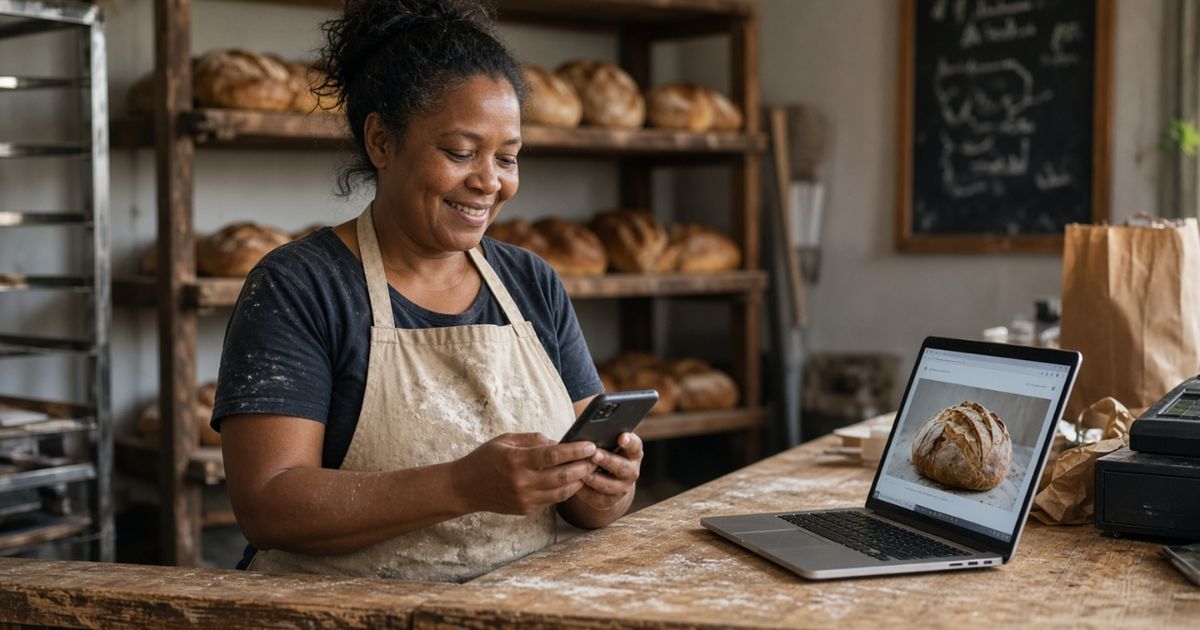
If you want to reach more customers by expanding your payment options, QR codes are increasingly gaining traction and are becoming a popular choice in South Africa. They offer businesses a fast, secure, and convenient way to accept payments using a customer’s smartphone, eliminating the need for cash or even the physical card machine.
Whether you run a retail store, restaurant, e-commerce business, or informal enterprise, accepting QR payments can streamline transactions, improve convenience, and reduce the risks of handling cash. In this article, we’ll explain how QR payments work, along with the different options available to South African businesses and the steps you need to start.
What are QR Payments?
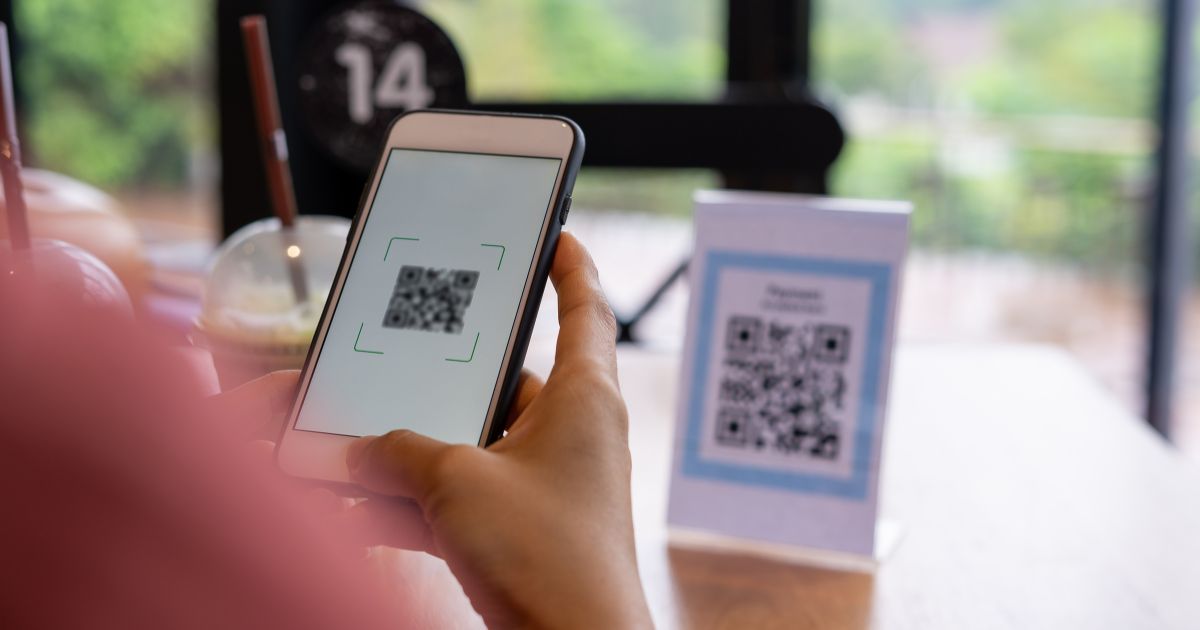
QR payments let customers pay by scanning a QR code with their banking app or digital wallet instead of inserting a card or handling cash. The customer scans the code, confirms the amount, and authorises the transaction on their phone. There are two main types businesses use: a static QR code stays the same, and customers enter the amount themselves, while a dynamic QR code includes the amount automatically, useful for retailers with high sales volumes.
Benefits of Accepting QR Payments
Accepting QR payments can benefit businesses of all sizes, from sole proprietors to established retailers. Customers are increasingly looking for fast, convenient ways to pay, so offering QR payments gives them another option at checkout.
Reduced Risk
For businesses, QR payments can reduce the need to handle cash, which may lower the risks of carrying or storing money on site. They can also speed up the checkout process, especially during busy trading periods.
A Better Experience for Your Customers
QR payments don’t just help your business. They also improve things for your customers. Think about the old way of paying. Customers dig through their wallets for cash. Or they wait for a card machine to process a transaction, hoping the signal doesn’t drop.
QR payments skip all of that. Customers open their banking app. They scan the code. They confirm the amount. Payment done, all in a matter of seconds.
This kind of convenience matters more than you might think. When paying is fast and easy, customers are more likely to come back. This is especially true for customers who already prefer digital payments over cash. Younger shoppers, in particular, often expect this option. If you don’t offer it, you might lose them to a competitor who does.
Getting Started: Point of Sale Equipment
Most QR payment solutions are easy to set up and don’t require a huge budget. You don’t need to invest in expensive point-of-sale equipment to get going.
Depending on which provider you choose, you’ll have a few options. Some businesses use a printed QR code. You simply display it at the till or on a table. Customers scan it with their phone, and the payment goes through.
Other providers let you accept payments straight from a smartphone. This works well for small businesses. It’s perfect for market stalls too or delivery drivers who need to get paid on the spot.
If you already have a point-of-sale system, you might be able to add QR payments to it. This means you don’t have to replace equipment you already use every day. You just add a new payment method on top.
Storing less cash on site brings another benefit. It protects your business from theft. It also cuts down on the time your staff spend counting money at the end of the day. That’s time they could spend serving customers instead.
Choosing the Right QR Payment Provider
South African businesses have several QR payment options to consider. The right choice depends on the type of business you operate, where you sell and which payment methods your customers already use.
SnapScan
SnapScan is one of the established QR payment options in South Africa. Businesses can display a SnapScan QR code at their point of sale, use the SnapStore app to accept payments on the go, or use QR codes as part of online payments and invoices.
This makes SnapScan an option for businesses that operate both from a physical location and on the move. For example, a market trader can display a QR code while a service provider can use the mobile app to accept payments.
SnapScan currently states that its merchant transaction fees range from 2,55% to 2,95%, excluding VAT, depending on the previous month’s turnover. Businesses should confirm the latest pricing directly with SnapScan before signing up.
Zapper
Zapper is another established QR payment provider in South Africa. Businesses can create and display Zapper QR codes at checkout, on invoices or online, without necessarily requiring additional hardware. Customers can scan the code using Zapper or supported banking and partner apps.
One of Zapper’s key features is that its QR codes can be scanned by multiple supported apps. Zapper says its partner network includes apps from banks and other payment providers, including Absa, Capitec, FNB, Nedbank, TymeBank, VodaPay and MTN MoMo.
Peach Payments
Peach Payments offers a Scan to Pay QR solution aimed at businesses that want to add QR payments to their checkout process. The provider highlights features such as secure processing, bank-enabled 3D Secure and QR code creation.
Peach Payments may be more relevant to businesses with established online operations, e-commerce platforms or more complex payment requirements. Its payment solutions are designed to support businesses that need online payment processing rather than simply a printed QR code at a physical till.
Yoco
Yoco is best known for its card machines and payment tools for small businesses. Its POS system can also record QR code payments as a non-card payment method, including payments made through QR services such as SnapScan.
This can be useful if you already use Yoco and want to keep your sales records in one place while offering customers additional payment options.
PayFast
PayFast by Network is primarily an online payment gateway, but it can also provide access to QR payment methods through its integrations.
PayFast supports SnapScan as a payment method. Its documentation explains that customers can select SnapScan at checkout and scan the QR code displayed on the payment page.
This makes PayFast worth considering if you already run an e-commerce website and want to offer QR payments alongside other online payment methods rather than setting up a separate QR-only solution.