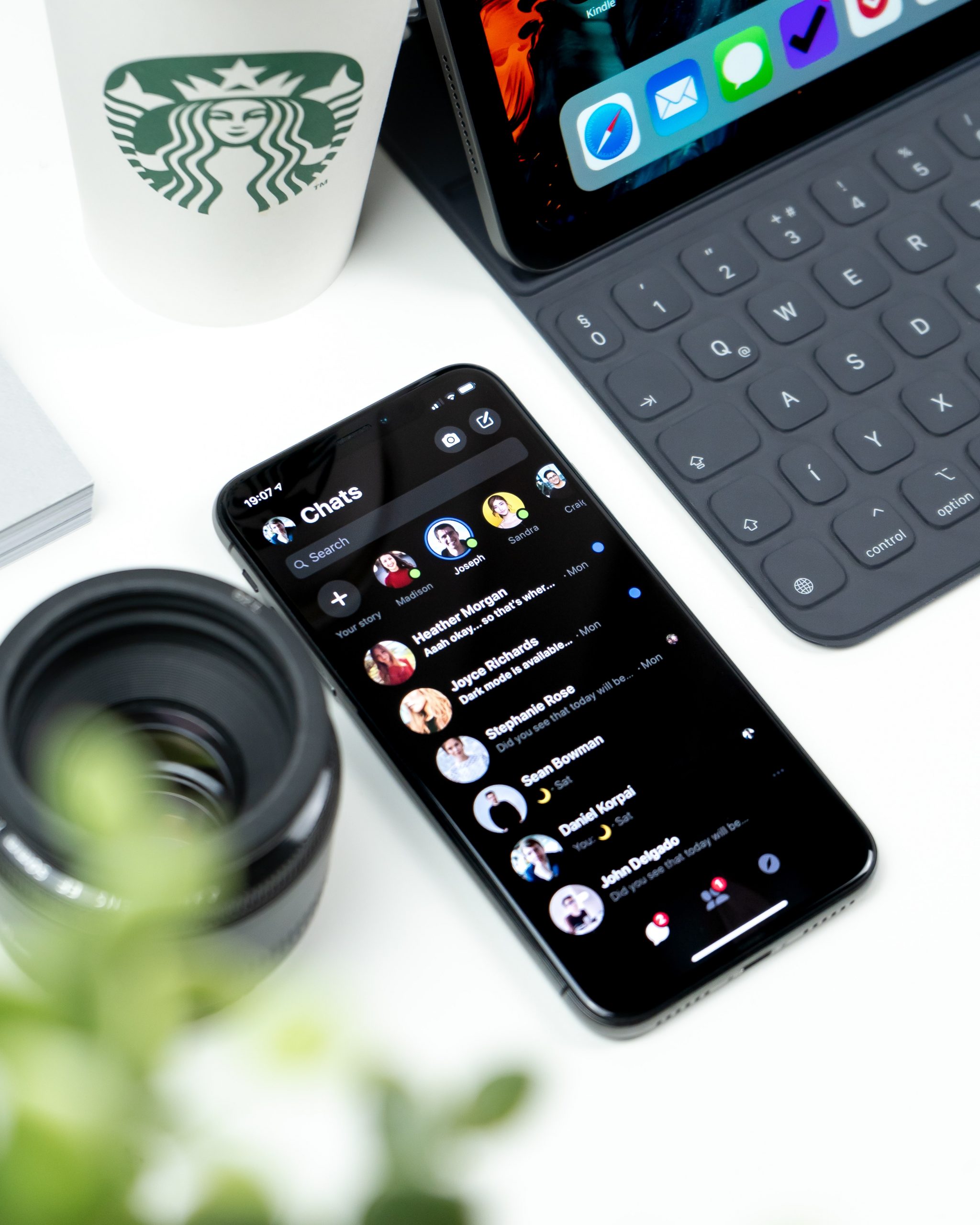
WhatsApp is the messaging app most South Africans already use every day, which makes WhatsApp Business one of the cheapest ways for a small business to serve customers and sell. This guide covers how to set it up and which features are worth using. For a real example of a business built around it, see how Vuuqa uses WhatsApp to run and grow its business.
Set up a proper business profile
WhatsApp Business is a free app, separate from personal WhatsApp. Use a dedicated business number, then complete the profile: business name, description, address, hours, website and email. A complete profile tells customers they are dealing with a real business.
Add a catalogue
The catalogue lets you list products or services with photos, prices and descriptions, which customers can browse inside the chat. It saves you sending the same pictures and prices again and again.
Use the time-saving tools
- Greeting messages welcome new customers automatically.
- Away messages tell people when you will reply outside business hours.
- Quick replies store answers to common questions, such as delivery costs or payment options.
- Labels sort chats by status, such as new enquiry, order placed or paid.
Market without spamming
Broadcast lists send one message to many contacts individually, but only people who have saved your number receive them. Status updates work like stories for promotions and new stock. Send broadcasts sparingly and only to customers who want them: under the Protection of Personal Information Act, electronic marketing generally needs the recipient’s consent, and the Information Regulator enforces it.
Know when you have outgrown the app
The free app suits a small team handling a manageable number of chats. Once you need several staff answering at once, integration with your online store or automated messages at volume, the WhatsApp Business Platform (the API version) offered through approved providers is the next step. It charges per conversation or message, so compare costs before moving.
Frequently asked questions
Is WhatsApp Business free?
The app is free. The WhatsApp Business Platform for larger businesses charges for messages.
Can I use my personal number?
You can, but a separate business number keeps work and personal chats apart and looks more professional.
Can several staff members use one account?
The app allows a limited number of linked devices. For larger teams, the Business Platform with a shared inbox works better.
Can customers pay through WhatsApp?
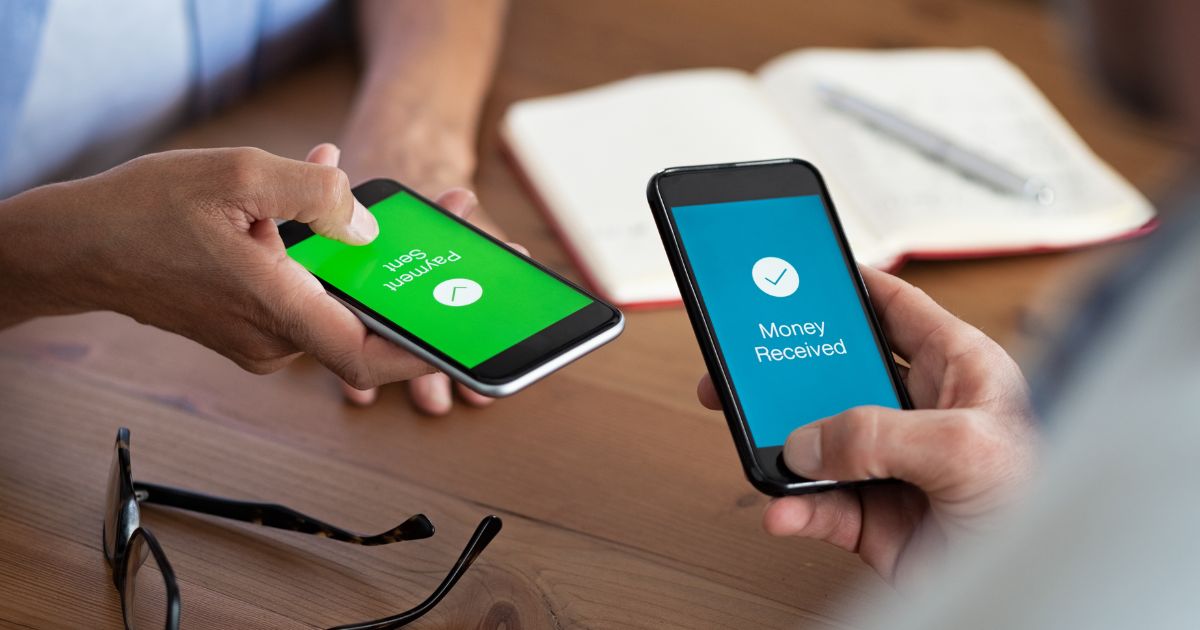
Most South African businesses share a payment link from their payment provider in the chat.
How do I avoid customers feeling spammed?
Message only people who have opted in, keep broadcasts occasional and relevant, and make it easy to opt out.
Originally published in May 2019. Updated September 2026.