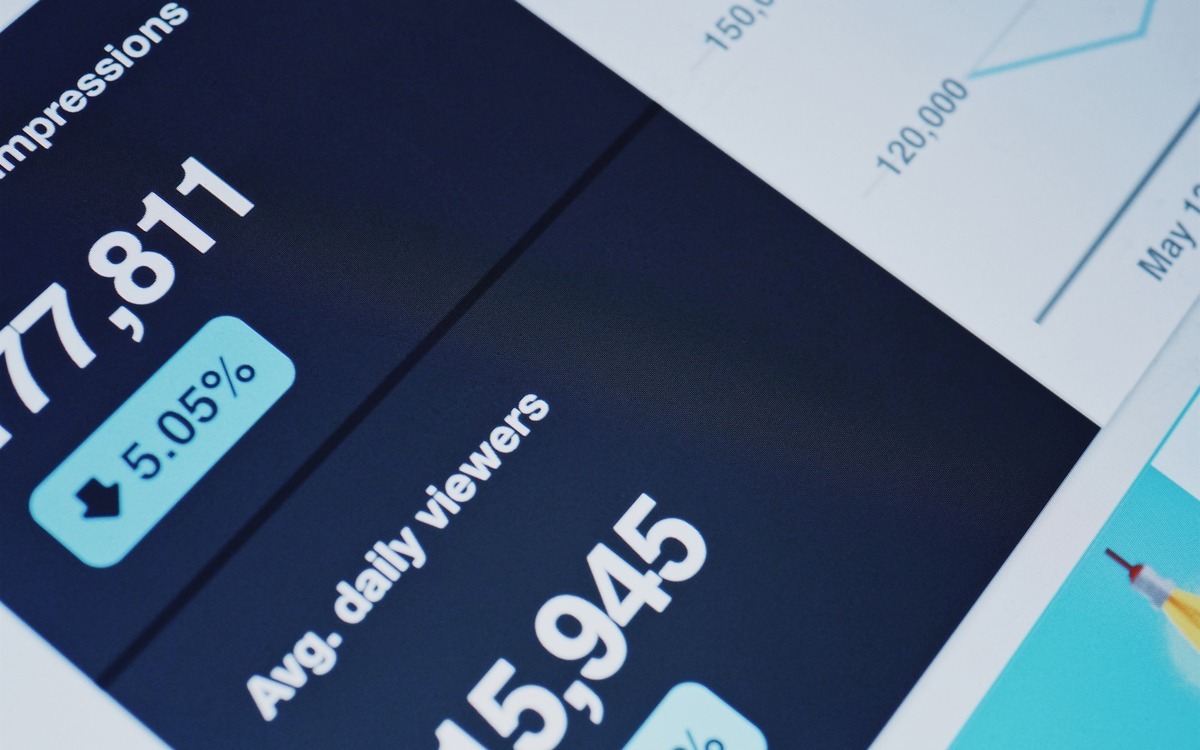
A basic visitor counter tells you 29 people visited your website, but nothing about who they were, where they came from, or what they actually did once they arrived. Google Analytics 4, the current version of Google’s free analytics tool, answers exactly those questions, organised around the visitor’s actual lifecycle: acquisition, engagement and monetisation.
Acquisition: how did a visitor find you?
The acquisition reports show which channels bring visitors to your site, direct visits, organic search, referrals from other sites, paid campaigns or social media. Knowing whether people find you by searching your product or service, rather than only your company name, tells you directly whether your search engine optimisation is actually working or needs investment.
Engagement: what did they do once they arrived?
The engagement reports reveal how visitors actually behave on your site: which pages they spend time on, which events they trigger, and where they drop off. A high bounce or exit rate on a page that is otherwise being found easily usually means the content does not match what visitors expected when they clicked through, a signal to revisit that specific page’s messaging.
Monetisation and conversions: did they do what you wanted?
The monetisation and conversion reports track whether visitors actually completed the action you wanted, a purchase, a submitted form, a call. These are the ultimate metric, since high traffic paired with low conversions points to a problem with your calls to action or your page’s clarity, not with your marketing reach.
Frequently asked questions
Is Google Analytics still free to use for a small business?
Yes. Google Analytics 4 remains free for standard use, and is still the most widely used website analytics tool for small businesses.
What does a high bounce rate on a specific page usually mean?
It usually means visitors are finding the page but not finding the content they expected once they arrive, which points to a mismatch between what drew them in and what the page actually delivers.
My website gets a lot of traffic but few sales. What should I check first?
Check your conversion reports and your page’s calls to action before assuming your marketing isn’t working. High traffic with low conversions usually means the page itself isn’t guiding visitors clearly enough toward the action you want.
Insight beats a hit counter every time
A visitor number alone tells you nothing useful. Understanding where visitors come from, what they do, and whether they convert is what actually lets you improve a website’s return on investment.
Further reading: How South African SMEs Can Use Google Analytics for Business Growth | Companies and Intellectual Property Commission for official business registration requirements
Originally published in April 2019. Updated September 2026 to replace outdated Universal Analytics report names with Google Analytics 4’s current acquisition, engagement and monetisation structure. The underlying advice on using data to improve ROI remains sound.