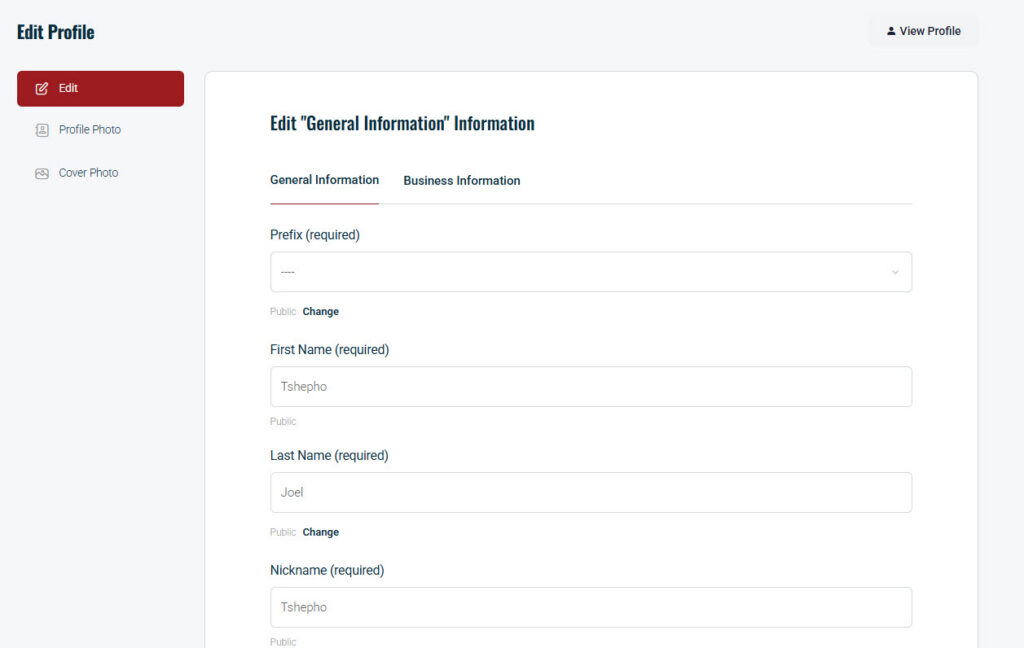
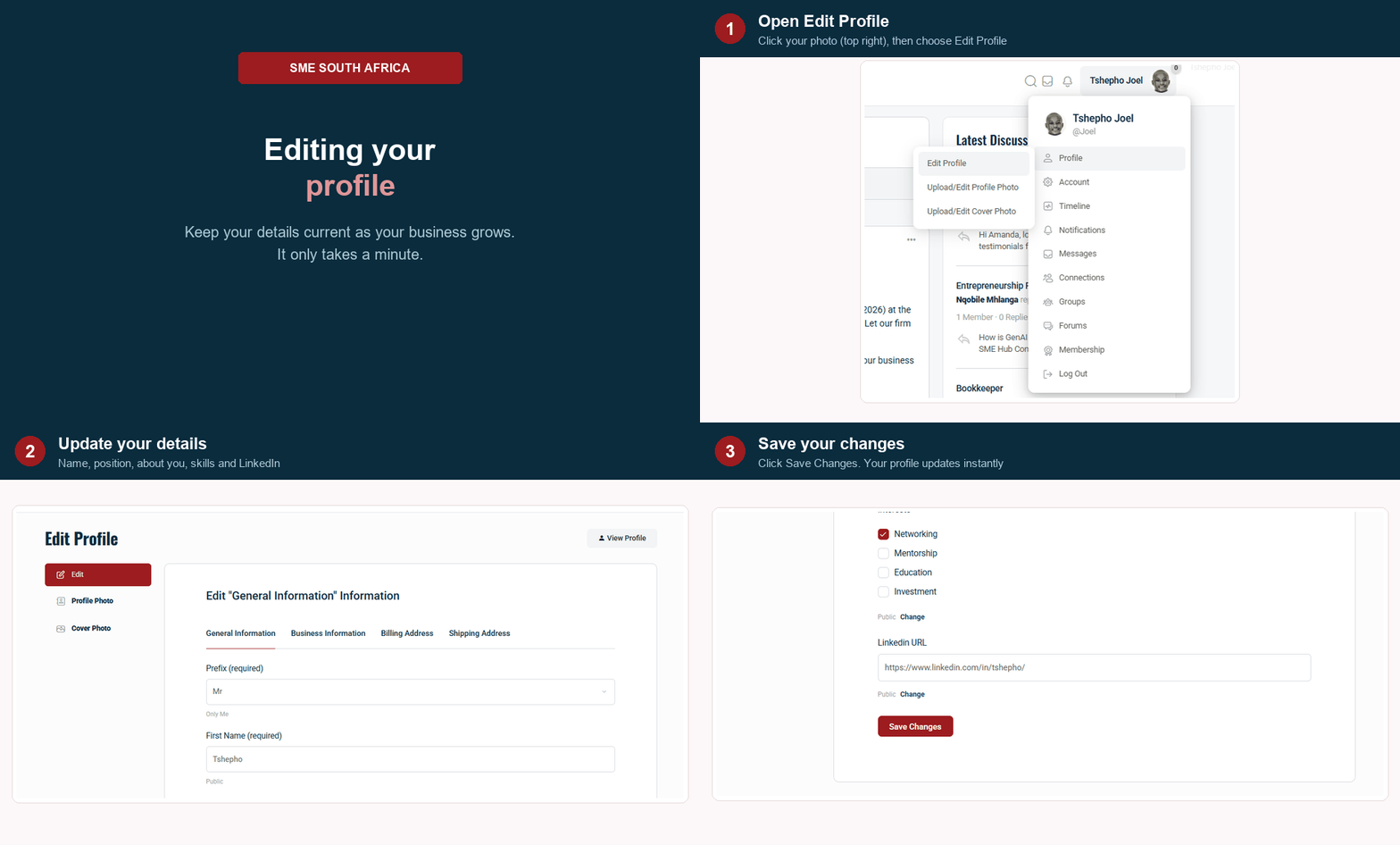
- Log In: Sign in to the platform.
- Go to Your Profile:
- Desktop: Click your Avatar (Profile Picture) in the top right corner of the screen. In the dropdown menu, click Profile.
Effortless Onboarding: Quick, convenient access using preferred social credentials (Facebook, LinkedIn, Google), reducing friction for busy entrepreneurs.
- Via Email Address
- Via Facebook, LinkedIn and Google
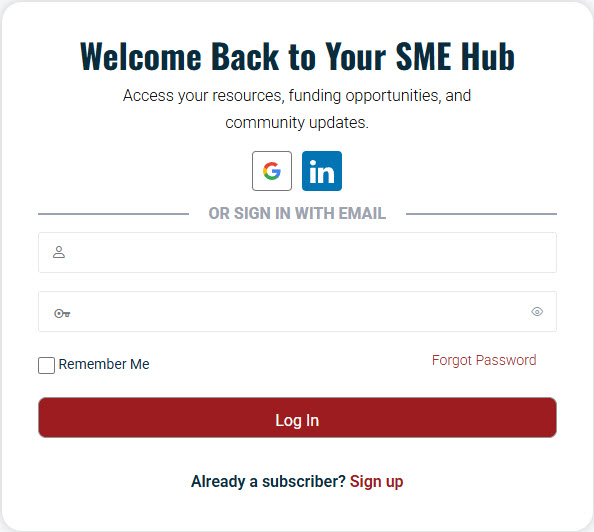
Tick Remember Me to stay logged into the system until you log out on your own.
- Enter Edit Mode:
- Once on your profile page, look for the Edit Profile button (usually located near your cover photo or under your name).
- Note: If you don’t see this button, check if there is a “three dots” (…) menu icon near the top right of your header.
- Update Your Info:
- You will see tabs for different information
- Click through the tabs and update the fields as needed.
- Save: Scroll to the bottom and click Save Changes.