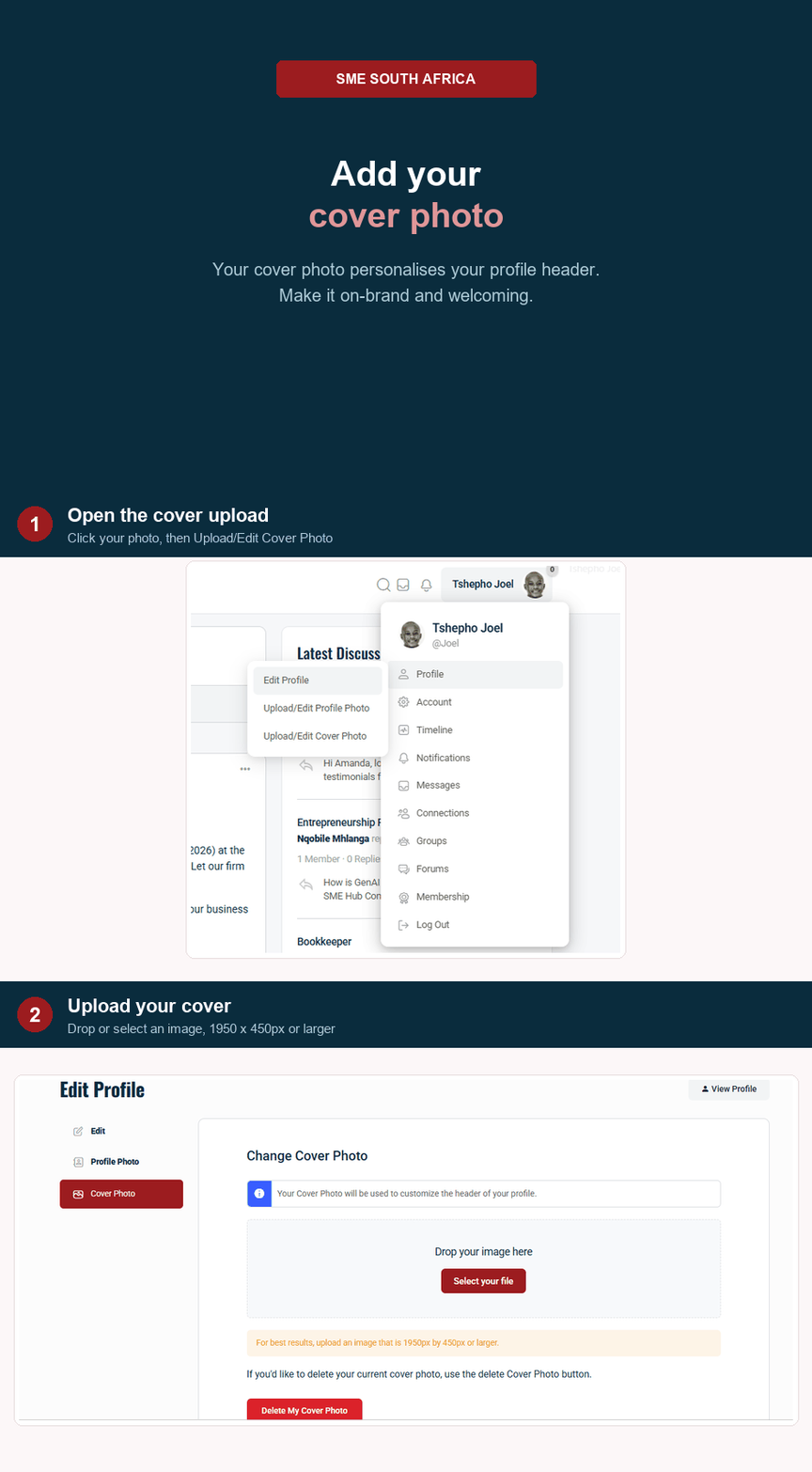
- Navigate to your Profile page.
- Hover your mouse over your Profile Photo (avatar) or the large Cover Photo.
- Click the Camera Icon that appears.
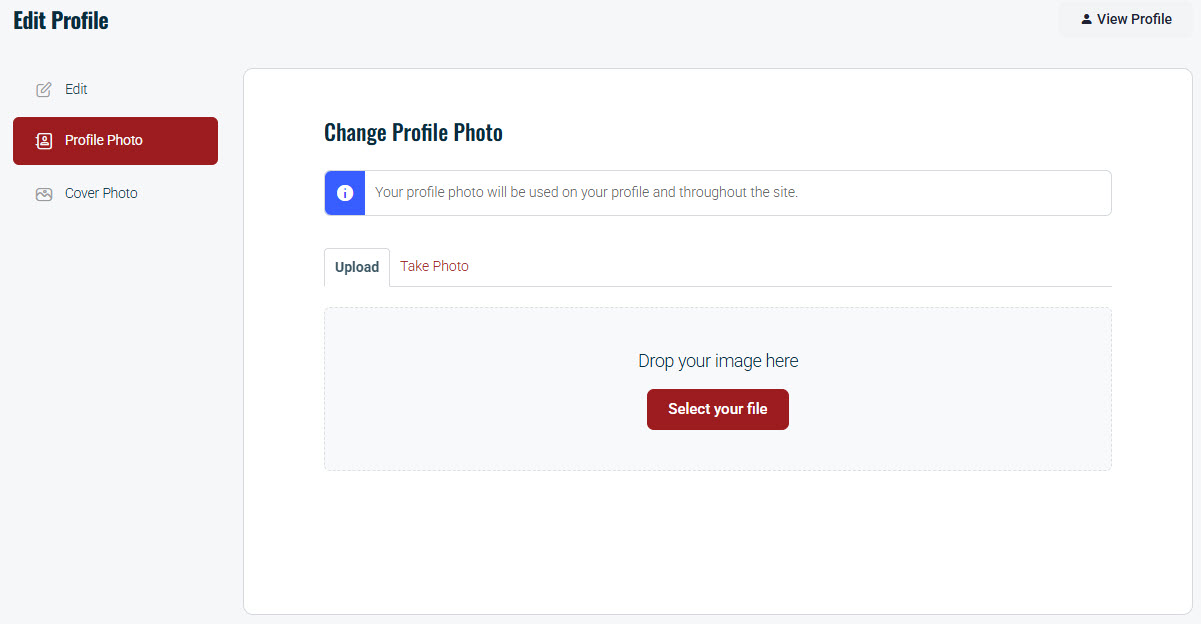
Select Upload Photo, choose a file from your device, and crop it to fit.

More from SME South Africa
Select Upload Photo, choose a file from your device, and crop it to fit.
Please confirm you want to block this member.
You will no longer be able to:
Please note: This action will also remove this member from your connections and send a report to the site admin. Please allow a few minutes for this process to complete.